
Top 3 Website Platforms for Small Businesses: WordPress vs Wix vs Squarespace
Table of Contents
Launching a website is an exciting venture, but the platform you choose is a foundational decision that impacts everything from design flexibility to long-term growth and ongoing costs. The three most popular options—WordPress, Wix, and Squarespace—are all excellent tools for building a site, but they each serve different needs and are designed for different types of users.
This article will give you an informed, plain-English comparison to help you choose the platform that best fits your goals, skill level, and budget.
WordPress: The Ultimate Powerhouse for Scalability and Control
Launched in 2003 as a simple blogging tool, WordPress now powers over 40% of the internet, making it the “granddaddy of modern websites”. Unlike Wix or Squarespace, WordPress is open-source software, which means it’s free to use and endlessly adaptable.
Instead of a subscription fee, you install WordPress on a hosting provider of your choice, giving you complete ownership of your site and data. This independence is both its greatest strength and its primary challenge. Because it isn’t tied to one company’s infrastructure, you have access to thousands of themes and plugins to add any functionality you can imagine, whether it’s an online store, a membership program, or powerful SEO tools. This flexibility allows it to support everyone from local businesses to major corporations like Disney, The New Yorker, and Sony.
However, this freedom comes with responsibility. You are in charge of maintaining updates for WordPress, plugins, and themes, and you need to ensure your hosting is reliable for good performance and security. Despite the learning curve and hands-on maintenance, WordPress is unmatched for anyone who needs a platform that can grow indefinitely with their business.
Pros:
- Ultimate flexibility: You can build anything from a simple blog to a massive e-commerce store.
- Unlimited customization: Access to thousands of themes and plugins allows you to add features for any purpose.
- Superior SEO: With plugins like Rank Math and Yoast, it’s the most powerful platform for search engine optimization.
- Scalable: It can handle growth from a few visitors to millions without requiring a platform change.
Cons:
- Steeper learning curve: It’s more challenging for a complete beginner compared to Wix and Squarespace.
- Requires maintenance: You are responsible for regular updates to ensure security and performance.
- Security responsibility: Unless you use a managed hosting provider, site security is your responsibility.
Costs: While the software is free, you have to pay for hosting, a domain, and any premium themes or plugins you want to use.
- Hosting: $5–$15/month for small sites
- Domain: $10–$15/year
- Premium themes/plugins: $50–$200/year (optional)
- Estimated Annual Cost: $120–$500
Best For: Entrepreneurs, bloggers, e-commerce businesses, or anyone who wants complete control, advanced functionality, and the ability to scale for the long term.
Wix: The Champion of Simplicity and Speed
Wix was founded with a mission to make web design so simple that anyone could launch a site in a matter of hours. Powering over 200 million websites, it’s famous for its user-friendly drag-and-drop editor.
Think of it like building with digital blocks—you can move any element, such as a text box or image, and place it exactly where you want it on the page. Everything you need is included in your subscription: hosting, security, templates, and automatic updates are all managed for you. You never have to worry about servers or software versions.
Wix also has an App Market for adding features like live chat or online booking, making it an excellent choice for small service-based businesses. The trade-off is that Wix is more of a “closed garden”. While there are plenty of templates, once you choose one, you can’t freely switch to another without rebuilding your site. Wix shines for beginners and businesses that value speed and ease of use over total design freedom.
Pros:
- Intuitive drag-and-drop editor: The easiest platform for beginners to get started with.
- All-in-one solution: Hosting, security, and maintenance are handled for you.
- App Market: Easily add new features like online booking or chat.
- Hundreds of templates: A wide variety of pre-designed options to choose from.
Cons:
- Limited flexibility: Customization options are less extensive compared to WordPress.
- Template lock-in: You cannot switch your template once your site is live.
- Weaker SEO: Its SEO tools are improving, but they are not as powerful as WordPress.
Costs: Wix uses a subscription-based model that includes hosting and all features.
- Basic plans: $16/month
- Business/e-commerce plans: $27–$59/month
- Estimated Annual Cost: $200–$700
Best For: Small businesses, portfolios, or personal websites where ease of use is more important than scalability. It’s great for beginners who want a quick, attractive site with minimal effort.
Wix.com/pricing
Squarespace: The Art of Effortless Design
Squarespace launched in 2004 and quickly built a reputation as the design-first website builder. If Wix is about simplicity and WordPress is about flexibility, Squarespace is all about style. Its templates are widely regarded as the most elegant and professional right out of the box. This is why it’s a top choice for photographers, artists, and boutique shops who want a polished, beautiful website without hiring a designer.
Beyond aesthetics, Squarespace offers a robust, all-in-one solution with built-in features for blogging, e-commerce, SEO, and even email marketing. The platform is designed as a complete ecosystem, so you don’t need to piece together multiple apps to get the functionality you need.
Where Squarespace falls short is in extensibility. There is no large plugin marketplace like WordPress, and advanced customizations often require code. However, for many small businesses, it strikes the perfect balance between usability and professional design.
Pros:
- Stunning templates: The most professional and visually appealing designs available.
- All-in-one package: Hosting, security, analytics, and e-commerce are all built-in.
- Ideal for creatives: The platform is perfect for visually driven businesses like photography or design.
- Built-in functionality: No need for third-party plugins for core features.
Cons:
- Limited flexibility: Far less extensive than WordPress in terms of integrations and plugins.
- Slight learning curve: A bit more complex than Wix, though easier than WordPress.
- Limited customization: You can’t deeply customize the platform beyond what’s provided.
Costs: Squarespace is also a subscription-based service.
- Personal plan: $16/month
- Business plan: $23/month
- Commerce plans: $27–$49/month
- Estimated Annual Cost: $200–$600
Best For: Creatives, artists, and small e-commerce shops that want a beautiful, professional site with built-in functionality and minimal technical hassle.
Squarespace.com/pricing
Which One Should You Choose?
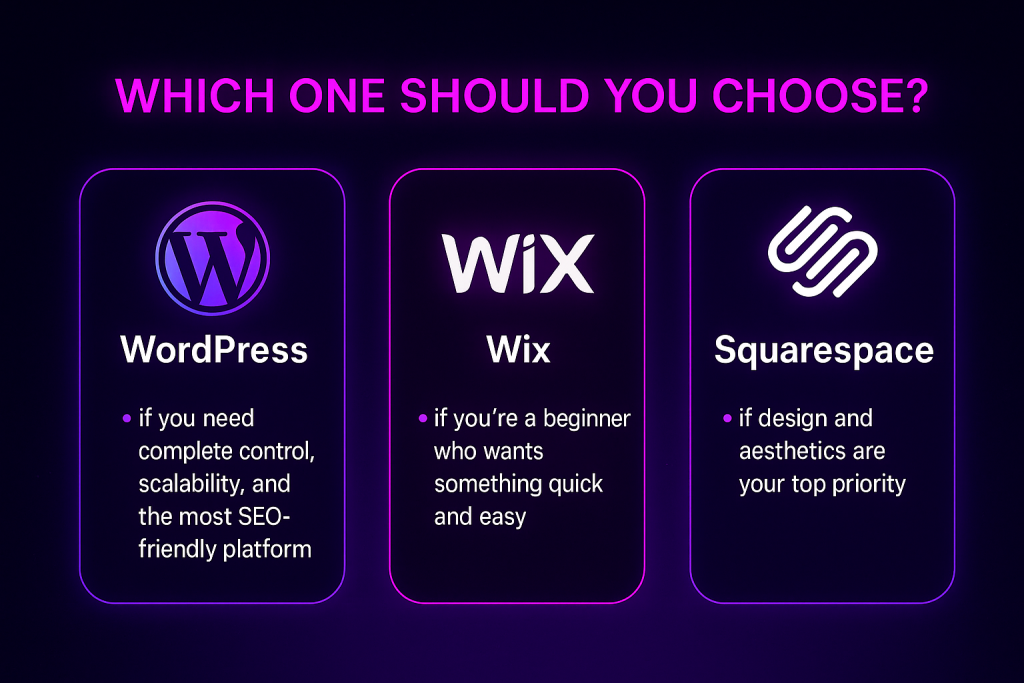
- Choose WordPress if you need complete control, scalability, and the most SEO-friendly platform. It’s the best long-term investment for a serious business.
- Choose Wix if you’re a beginner who wants something quick and easy without worrying about hosting, plugins, or maintenance.
- Choose Squarespace if design and aesthetics are your top priority and you want a site that looks professional out of the box.
Our Recommendation
At Torres Web Design, we primarily build websites with WordPress because it offers the perfect balance of flexibility, customization, and scalability. While Wix and Squarespace are fantastic for quick projects, WordPress gives our clients the freedom to grow without limitations.
Simply put, WordPress is future-proof. It adapts to your business as it grows, making it the best choice for anyone who is serious about their online presence.
What kind of website are you hoping to build?
FAQ: WordPress vs Wix vs Squarespace
➔ Which is easier to use: WordPress, Wix, or Squarespace?
Wix is the easiest thanks to its true drag-and-drop editor. Squarespace is also beginner-friendly with polished templates. WordPress has the steepest learning curve, but offers the most control and flexibility once you’re comfortable.
➔ Which platform is best for SEO?
WordPress generally wins for SEO due to powerful plugins like Rank Math and Yoast. Squarespace and Wix include solid built-in SEO tools, but they’re less customizable than WordPress for advanced workflows.
➔ Which option is most affordable in the long run?
WordPress can be the most affordable if you choose basic hosting and free themes. Wix and Squarespace use subscription plans that are predictable in cost but often higher over time, especially with add-ons.
➔ Can I switch platforms later if I change my mind?
Migrating from Wix or Squarespace is limited and can be time-consuming. WordPress offers easier portability between hosts and more ownership of your content.
➔ Which platform is best for small businesses?
For quick DIY sites, Wix is great. For design-forward portfolios and creative brands, Squarespace shines. For scalable business websites, content hubs, and e-commerce, WordPress is the most versatile choice.